


You can invite customers to leave an honest Google review about a genuine experience. Keep the request optional and neutral, with no incentive and no attempt to control the rating or wording. Build the request into a consistent customer process rather than choosing only people you expect to praise the business.
Know the boundaries
Google's Maps contribution policy prohibits several common shortcuts:
Paying for reviews or offering discounts, gifts, or other incentives, including for changing or removing a review
Selectively soliciting positive reviews or discouraging negative feedback
Reviews affected by conflicts of interest, such as employee or family relationships
Pressuring customers to review while on the premises or requesting particular review content
Requiring staff to solicit a certain number of reviews or to obtain reviews containing specified content, including a staff member's name
Do not give customers keywords to insert, write reviews for them, or route only satisfied survey respondents to Google. A private feedback option can be helpful, but it should not be used to filter who receives the public review invitation.
Make the request easy and respectful
Google supports using a review link or QR code. Check that yours leads to the correct business location. Customers need a Google Account to post, though it does not have to use a Gmail address.
A practical process is to offer the same neutral invitation at a suitable point after a genuine customer experience. Keep a simple record of when a request was sent so several team members do not repeatedly ask the same person. Ensure your chosen email or messaging channel is appropriate for contacting that customer.
A hypothetical example
A repair shop sends this optional request after completed appointments: “Thanks for choosing us. If you'd like to leave a Google review, here's our review link. Honest feedback is welcome.” The message offers no reward and does not suggest a star rating or wording. The shop does not exclude customers who raised a concern.
If a customer prefers to discuss a problem privately, the shop can help without making review removal a condition of that help. Customer service decisions should stand on their own.
Respond without exposing private details
Review replies are public. A short, constructive response can show you listened, but avoid publishing customer account, appointment, or other private information. Move case-specific discussion to an appropriate private channel. Report a review when it violates policy; disagreement with criticism alone is not a reason to expect removal.
A compliant request does not guarantee a review will appear or remain visible. Google moderates contributions, and customers decide whether to participate.
Audit the invitation and every route leading to it
A neutral message can still sit inside a biased process. Review the steps before and after the invitation: who receives it, what staff are told to request, whether a satisfaction survey changes the destination, and what happens when someone reports a problem.
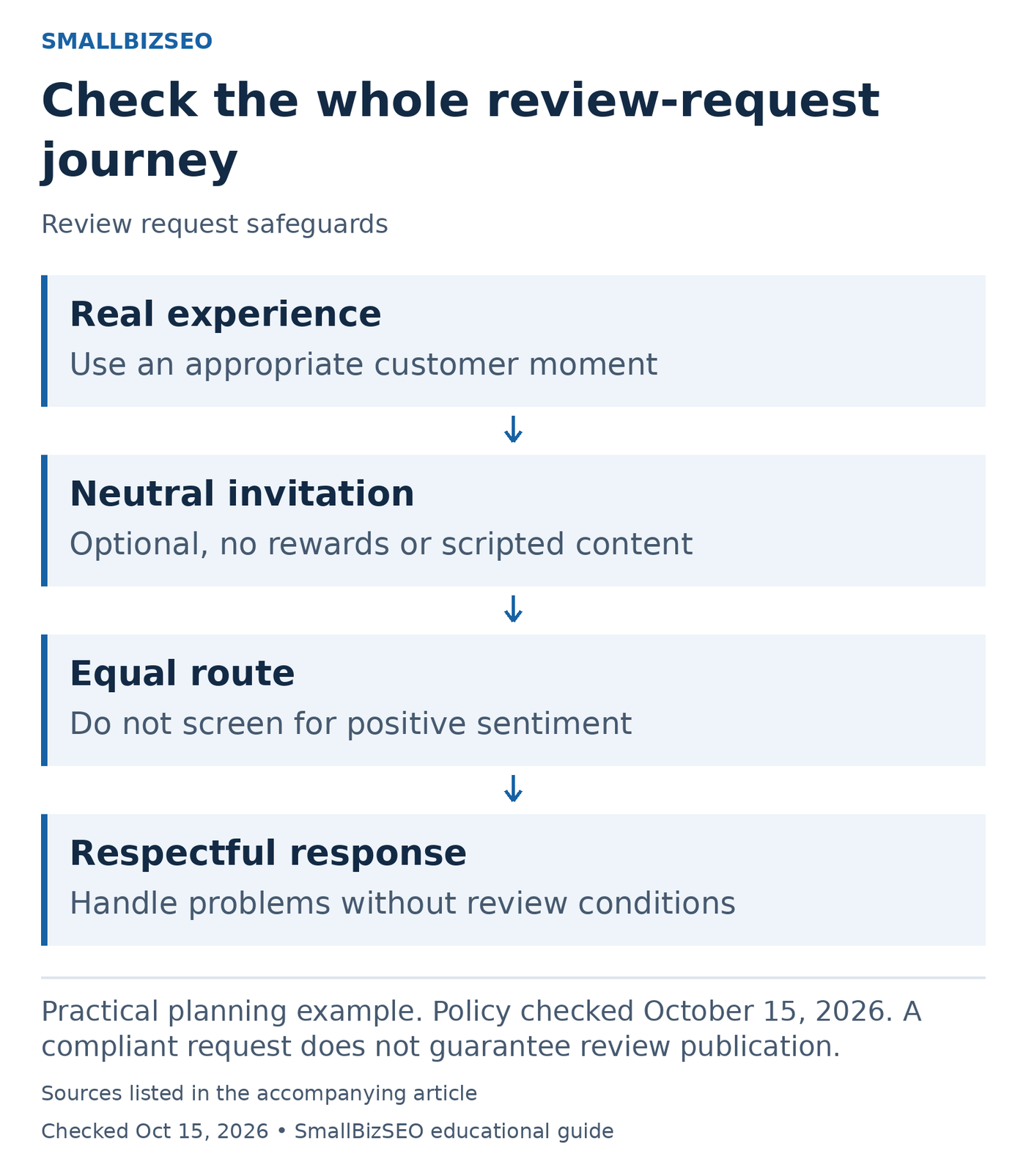
Practical planning example. Policy checked October 15, 2026. A compliant request does not guarantee review publication.
Sources: Google Maps prohibited and restricted content policy. Checked October 15, 2026. This visual is an editorial guide, not measured client results.
Hypothetical route check: A survey sends enthusiastic respondents to Google but directs unhappy respondents only to a private form. Rewrite the route so the public-review opportunity is not filtered by satisfaction. Keep a private support option available for resolving issues without making it a condition of leaving or keeping a review.
Check the staff instructions too. Do not set review-solicitation quotas, ask for particular wording or names, or pressure customers to post while present. An optional invitation should leave the customer free to choose whether to respond and what to say. A reward for any review still creates an incentive even if no particular rating is requested.
Test the final link or QR code against the correct business location. Keep a modest operational record to avoid duplicate requests, without collecting unnecessary review or customer details. If someone raises a complaint, solve the service issue on its merits. Do not offer compensation in exchange for editing or removing their review.
Reference: Google Maps prohibited and restricted content policy. Policy checked October 15, 2026. A compliant request does not guarantee review publication.
Your next step
Check your current review message and follow-up process for rewards, satisfaction-based filtering, suggested wording, and staff quotas. Replace any of those elements with one optional, neutral invitation.