

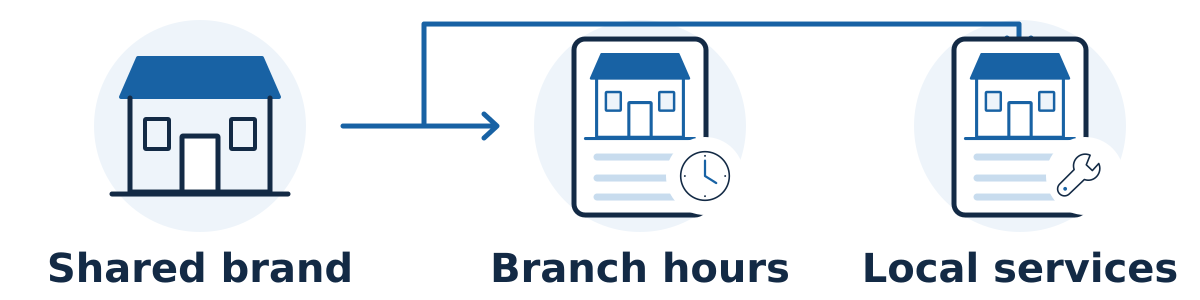
A multi-location business should give each genuine location a clear customer destination while keeping shared brand information consistent. That usually means a useful location page, accurate contact and service details, and a Google Business Profile where that location qualifies. The work should reflect how each branch actually operates.
Confirm which locations qualify
Google generally permits one Business Profile per eligible location, with separate rules for certain departments and practitioners. A rented mailing address or virtual office where the business does not operate is ineligible. Co-working locations must meet Google's staffing, signage, and customer-facing requirements. Check the business representation guidelines before creating profiles.
For service-area businesses, multiple profiles require distinct operating locations with separate staff and service areas. Simply serving several towns does not create several branches. Follow Google's service-area guidance when deciding what address information should be visible.
Make each location page useful
Use a common page structure for easy maintenance, then supply the facts a customer needs for that branch:
The location's address or honest service coverage, contact details, and opening hours
Services actually available there, including important differences from other branches
Directions, access, parking, or booking information where relevant
Genuine photographs and approved information about that location's team or work
A clear way to contact or book the correct branch
Shared descriptions can stay consistent. The aim is not to invent differences or rewrite every sentence. The page should earn its place by helping someone use that specific location. Thin city-name pages created mainly to capture similar searches can become a doorway problem under Google's spam policies.
A hypothetical example
A veterinary practice has two clinics. One offers evening appointments; the other provides a particular diagnostic service. A shared practice overview explains the brand, while each location page helps customers choose the right clinic. Sending both profiles to an undifferentiated homepage would make that choice harder.
Give maintenance an owner
Keep a central record of each branch's approved facts, with a local person responsible for reporting changes. Review new openings, closures, holiday hours, phone changes, and service changes across the website and profiles. Keep business naming consistent with the real-world brand rather than adding search phrases.
Measure location-level inquiries and outcomes as well as overall traffic. A busy branch can hide weak performance elsewhere, while different catchment areas and capacities make raw comparisons misleading. More profiles or pages do not guarantee more qualified business.
Test one branch from discovery to the right appointment
Create one approved record per genuine branch. Include the services available there, current hours, contact route, booking destination, and useful arrival information. Assign a person who can confirm operational changes, especially when central marketing staff do not work at that location.
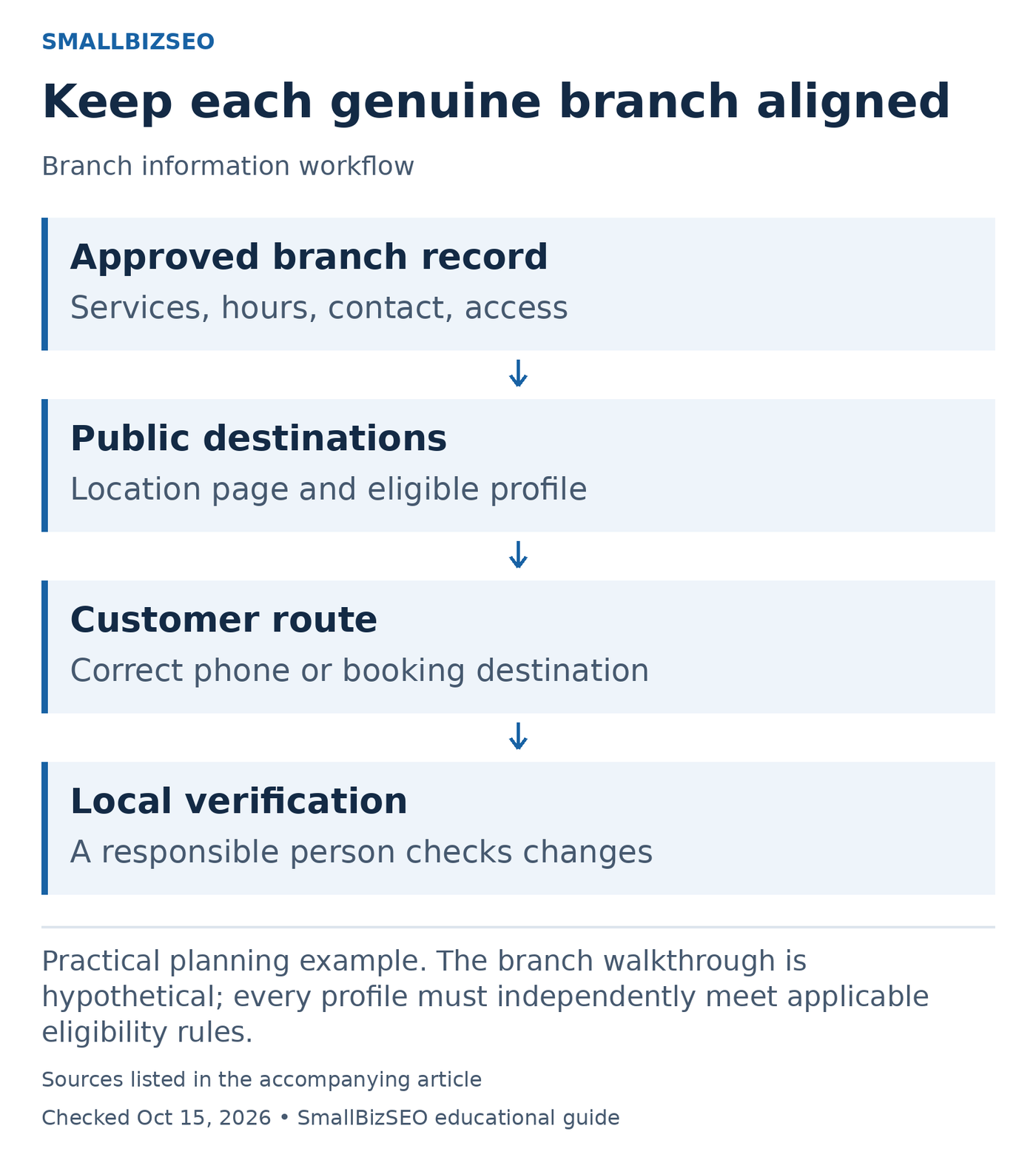
Practical planning example. The branch walkthrough is hypothetical; every profile must independently meet applicable eligibility rules.
Sources: Google business representation guidelines. Checked October 15, 2026. This visual is an editorial guide, not measured client results.
Run a branch walkthrough as a customer. Open its location page, follow the contact or booking route, and confirm that the selected service is actually available at that branch. Compare the public details with its eligible Business Profile. Log a mismatch once, then list every destination that needs correction.
Hypothetical example: A repair business has a north branch that accepts equipment drop-offs and a south branch offering collection only. If both booking links open a generic drop-off form, customers may choose an unavailable option. The correction should align the branch page, booking choices, and public location information with actual operations.
Use a shared layout for routine facts, with genuine branch-specific details where they help the customer. Measure inquiries against each branch’s capacity and offer rather than declaring the branch with the largest raw total the best performer. Check profile eligibility before creating anything new; this worksheet does not make a service area or mailing address an eligible location.
Reference: Google business representation guidelines. The branch walkthrough is hypothetical; every profile must independently meet applicable eligibility rules.
Your next step
Choose one branch and compare its website page, Business Profile, booking route, and current operating details. Use the gaps you find to create a practical checklist for the remaining locations.