

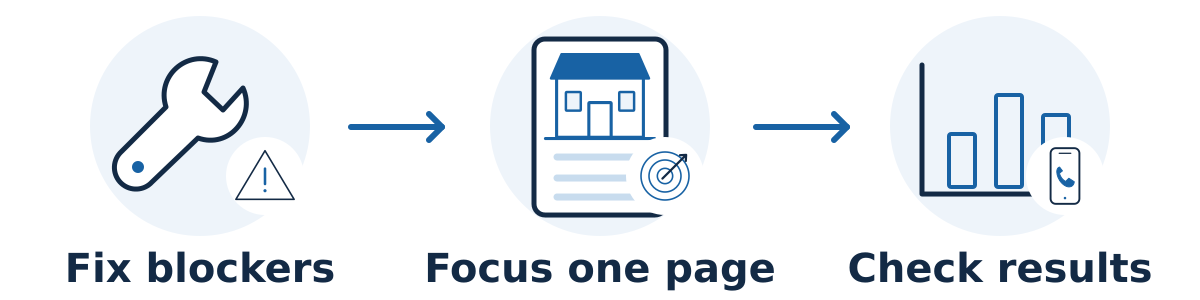
Use a limited SEO budget to remove important obstacles and improve the pages most likely to attract suitable customers. Concentrating on one valuable service and a working inquiry path is usually easier to evaluate than spreading a small budget across many unrelated activities.
Prioritize in this order
Fix problems that prevent business. Test whether the website loads, phone links work, forms arrive, and visitors can use key pages on a phone. Check whether important pages are eligible to appear in search. Google's Search Essentials describe the technical and policy foundations; meeting them does not guarantee rankings.
Establish a usable baseline. Record search visibility, relevant visitors, inquiries, and which inquiries meet your criteria. A simple shared inquiry log can be more useful than a complicated dashboard nobody reviews. Test the tracking before drawing conclusions.
Improve one commercially important page. Choose a service or product with demand, healthy margins, available capacity, and a realistic customer fit. Explain the offer, suitability, process, relevant proof, and next step. Include useful details your sales team repeatedly has to clarify.
Strengthen the route to that page. Add helpful links from related pages people already visit. Make the service easy to find in navigation where appropriate. For an eligible location-based business, also review its Business Profile information; Google recommends accurate, complete business details.
Expand only when the basics support it. Answer a customer question or improve a second service page once the first priorities are implemented and measurable. Publish because a buyer needs the information, not because a package requires a fixed number of posts.
Use a simple spending test
For each proposed task, ask: Which customer problem does this solve? Which business result could it affect? What must happen before it works? Who will implement it? What evidence would show it helped?
The same planning discipline applies across channels: Amazon Ads' small-business marketing guide starts with customers, audience, and objectives before implementation and measurement. Use that broader context when deciding how SEO fits your total marketing budget.
Separate urgent repairs from experiments. A broken inquiry form deserves attention even if fixing it does not raise a ranking. A new informational article needs a clearer case when the business already has unfinished service pages.
Example: choose a smaller, complete project
Hypothetical example: A garage-door company wants more installation work but has a homepage that mostly discusses repairs. Instead of commissioning ten broad articles, it could improve its installation page, add relevant project examples with permission, explain its service area, and verify quote-request tracking.
That project gives prospective installation customers clearer information and gives the owner a specific result to assess. It does not promise more rankings or sales, but its connection to the business goal is easier to inspect.
What can usually wait?
Be cautious about broad keyword reports without an implementation plan, large batches of similar pages, chasing a perfect third-party score, or redesigning a functional site solely for appearance. Avoid cheap links sold primarily to manipulate rankings.
Do not assume the cheapest fee creates the lowest total cost. A proposal that depends on developer work, photography, or owner writing time should include those resources in the decision.
Give the next available hour a clear job
When the budget is tight, make a small queue of specific changes rather than buying a long list of loosely defined activities. For each item, record the customer problem, the page affected, who can fix it, and what would show that the work is complete.
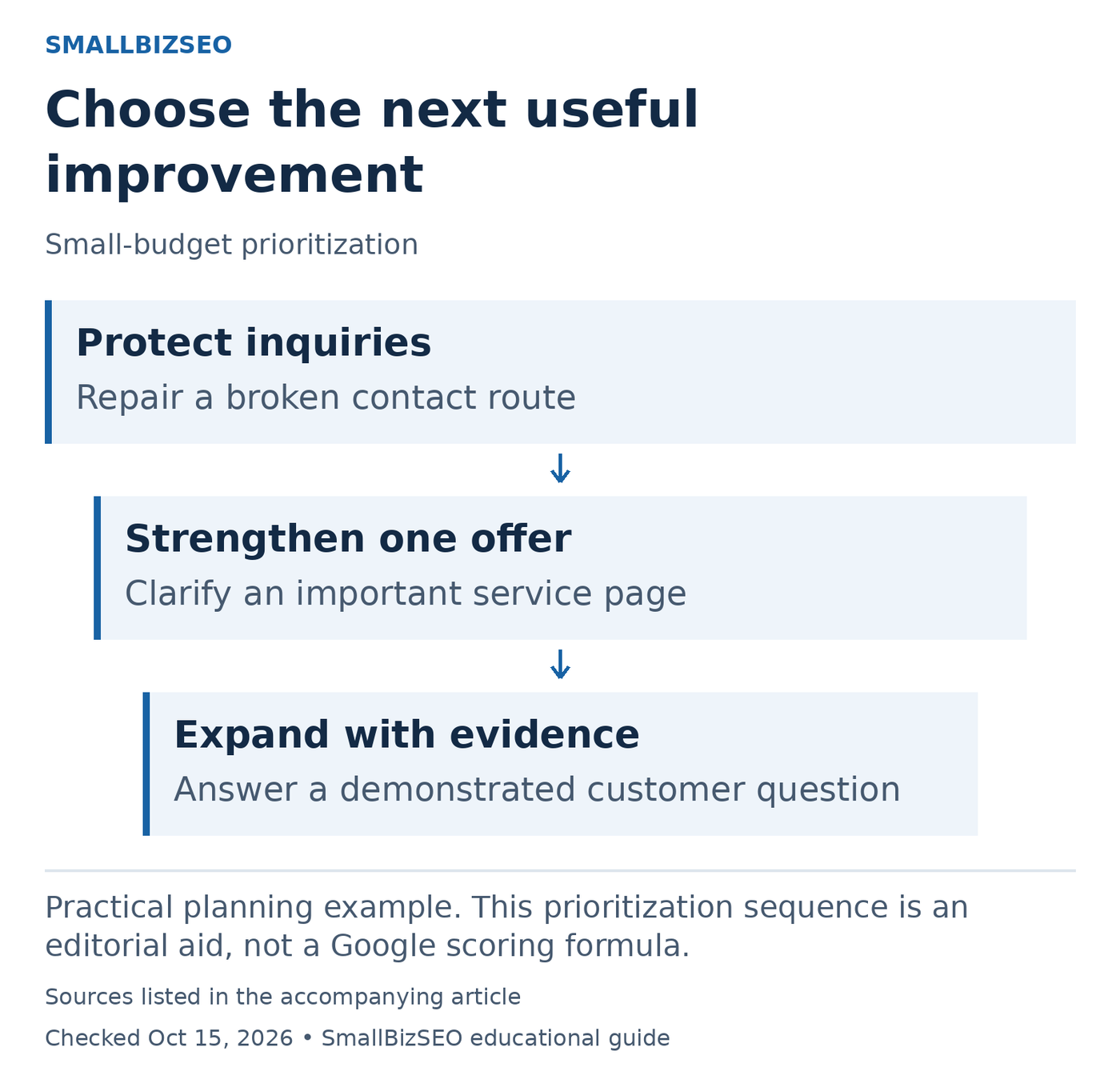
Practical planning example. This prioritization sequence is an editorial aid, not a Google scoring formula.
Sources: Google SEO Starter Guide. Checked October 15, 2026. This visual is an editorial guide, not measured client results.
Hypothetical example: A repair business has a broken mobile quote form, an unclear service-area description, and an idea for a broad industry blog post. Repair the form first because a visitor already trying to inquire cannot finish. Clarify the service area next so customers can judge fit. Keep the blog idea for later unless actual customer questions show a useful role for it.
Use three questions to break a tie: Does this unblock a customer? Does it support a service we can deliver now? Can someone implement and verify the change within the available time? A task with impressive potential but no implementation owner may need to wait.
After each completed change, save the date and verification evidence. A successful test submission establishes that the form works; qualified inquiries over a suitable comparison period help assess business impact. Avoid assigning invented percentage gains to this queue.
Reference: Google SEO Starter Guide. This prioritization sequence is an editorial aid, not a Google scoring formula.
Your next step
Create three lists: fix now, improve next, and consider later. Put no more than a few deliverable-sized tasks in the first list, name an owner for each, and connect each task to a relevant customer outcome.