

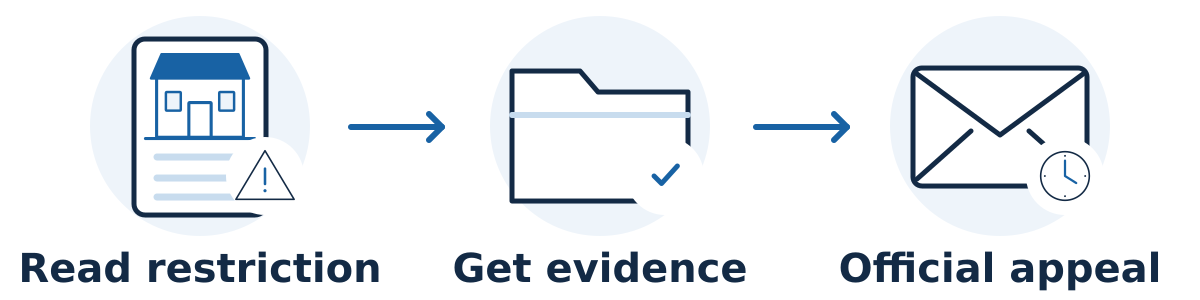
If your Google Business Profile is suspended, read the restriction, check the relevant policy, and prepare an accurate appeal through Google's official process. Do not create a replacement profile for the same business. A careful explanation supported by relevant evidence is more useful than repeated submissions or speculative changes.
First confirm what is actually affected. A suspended profile, an account restriction, an unverified profile, and a rejected photo or edit are different situations. Save the notice, profile identifier, and account details so everyone helping you is investigating the same issue.
Prepare before submitting
Read the decision and linked policy. Use Google's suspension guidance to reach the appeals tool. Check the affected profile and decision. Record the stated reason rather than guessing that a recent edit must have caused the suspension. If the account itself is restricted, Google's instructions say to appeal that restriction first, then address the profile suspension after it is lifted.
Check the business's real-world details. Compare the profile with Google's business representation guidelines. Review the business name, category, address, service area, and whether customers are received at the location. A rented mailing address does not establish an eligible storefront. Correct genuinely inaccurate information; do not invent a new name or address to fit the paperwork.
Prepare relevant supporting documents. Google's appeal preparation guidance lists business registration, licenses, tax documents, and business utility bills as possible evidence. Check that the name and address support the profile. Select readable, relevant files, and keep a private copy of what you intend to submit. Do not post sensitive documents in a public help thread.
Write a short factual explanation. Describe what the business does, how it serves customers, the issue you identified, and any correction you made. Explain genuine naming or address discrepancies clearly. Avoid accusations, unrelated sales claims, or a long history that makes the eligibility question difficult to follow.
Review the complete appeal before sending. The current official process lets you attach evidence and explanatory text before the final submission. Google states that the ordinary appeal can be submitted once, so check the profile, decision, files, and explanation first. Follow the current instructions and any case-specific deadline displayed to you.
A hypothetical example
A mobile appliance-repair business discovers that its profile shows a home address where customers are not received. The owner reviews the service-area rules, corrects the public address setting, and prepares documents supporting the genuine business. The appeal briefly explains how customers are served and what changed.
This creates a clearer case for review. It does not establish that the address setting was the only issue or promise that Google will reinstate the profile.
Check the appeal packet before submission
Create a private evidence index before opening the final submission step. Use four columns: the issue in the decision, the real-world fact that addresses it, the supporting document, and any explanation needed. The goal is a coherent account of the actual business, not a large collection of unrelated files.
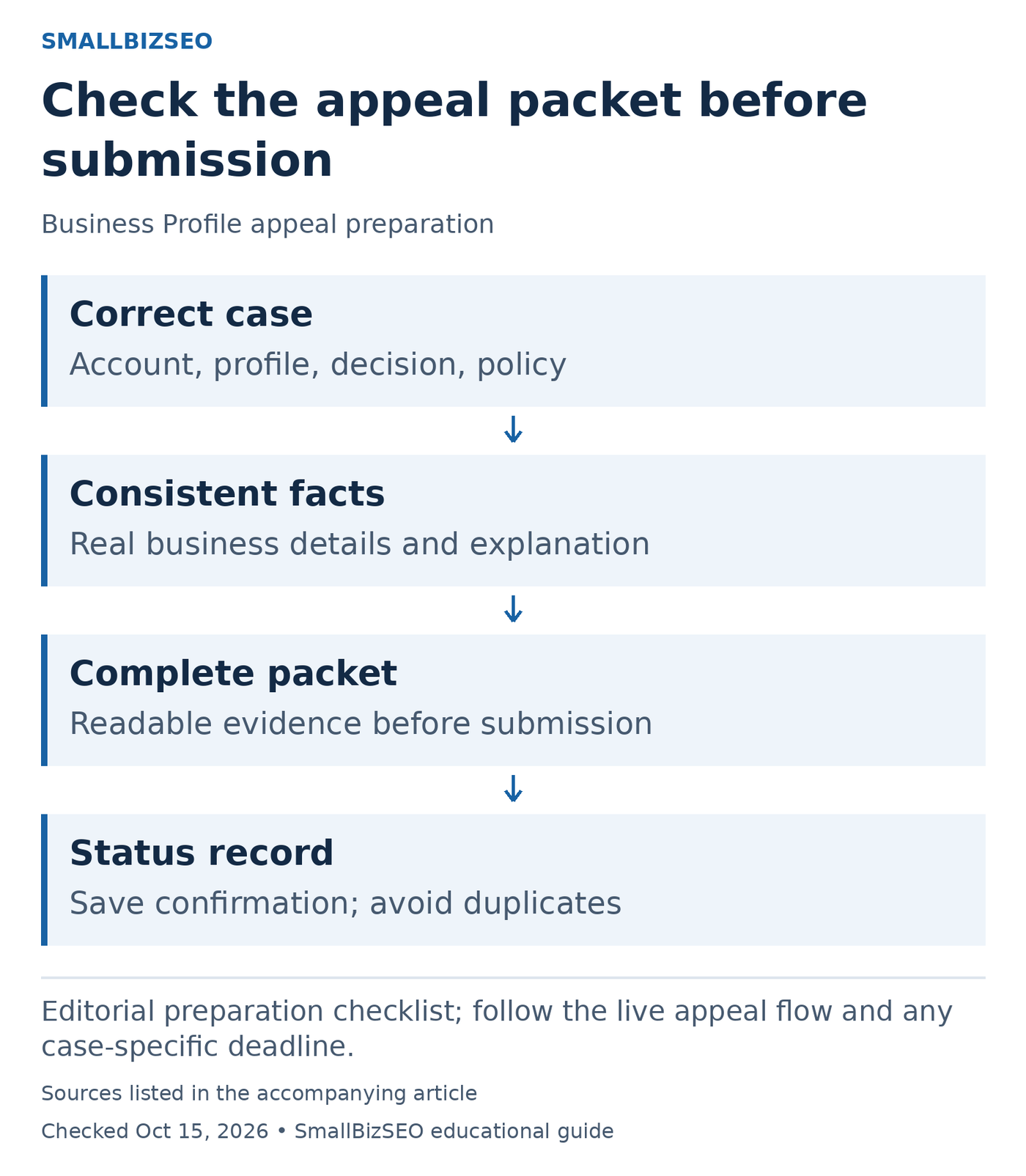
Editorial preparation checklist; follow the live appeal flow and any case-specific deadline.
Sources: Google Business Profile appeals. Checked October 15, 2026. This visual is an editorial guide, not measured client results.
Identity check: Confirm the correct Google account, affected Business Profile, and decision. Copy the stated reason and policy link into the working record. Do not substitute a guess about what triggered the restriction.
Consistency check: Read the business name and address across the profile and proposed evidence. Explain genuine discrepancies accurately; do not alter facts to make documents appear to agree. Keep sensitive documents in the private appeal process, rather than public discussion threads.
Completeness check: Confirm that the explanation describes how customers are served and any actual corrections. Make sure every intended attachment is readable and relevant before the final submission. Current Google instructions allow optional evidence and explanatory text before submission and state that the ordinary appeal can be submitted once.
After sending, keep the confirmation and status together with the evidence index. Avoid duplicate appeals while waiting for a decision. A well-organized packet improves reviewability; it does not guarantee reinstatement or establish a fixed completion date.
Reference: Google Business Profile appeals
What happens after submission?
Save the submission confirmation and check the appeal status and related email. Google's appeal guidance says not to submit multiple appeals for the same issue while awaiting a decision. Treat any published review estimate as guidance rather than a guaranteed restoration date.
If reinstatement is denied, the official suspension page provides a possible additional-review route. Use it when applicable and supply useful new evidence. A denied ordinary appeal does not mean you should manufacture a second profile.
Verification and your next step
After an approval, check the public listing, contact details, website link, and your management access. Keep any remaining problems in the existing support record. Continue testing the website's own inquiry routes while the profile issue is unresolved.
Start by gathering the exact restriction notice and comparing the profile with the linked policy. Get the facts and evidence ready before submitting; avoid anyone promising a guaranteed reinstatement or asking for your account password.