

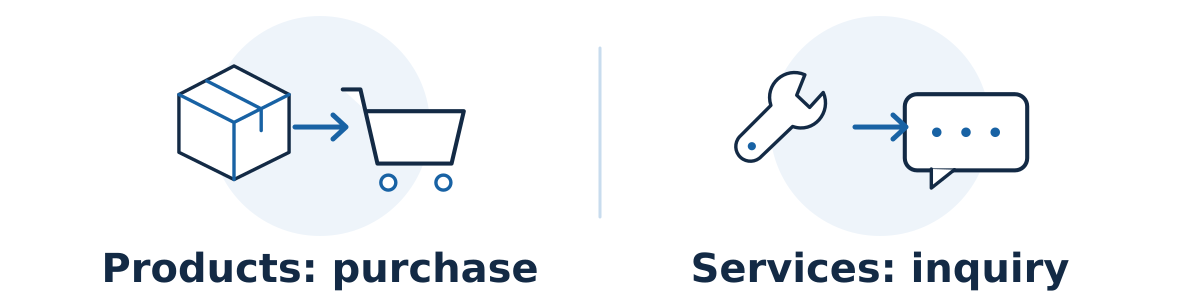
Ecommerce SEO usually centers on helping shoppers find, compare, and buy products from a catalog. SEO for a service business usually centers on helping customers understand an offer, judge the provider, and request a quote or appointment. Both need useful pages, reliable websites, and clear navigation, but their page types, data, and conversion paths differ.
A business that sells products and services may need both approaches. Plan around what the customer wants to do rather than forcing every search onto the homepage or a blog post.
Build the right pages for each decision
Map the buying intent. A broad product search, such as “adjustable desk lamps,” may suit a category or collection page offering several relevant options. A specific model search may suit its product page. A service search, such as “office lighting installation,” usually needs a page explaining scope, suitability, proof, and how to arrange the work. Check the actual search results before deciding.
Make collection pages useful. Group products in ways customers understand. Provide relevant selection guidance, understandable filters, and clear paths to products. In Shopify, collections group products into browseable pages. Other platforms use terms such as categories. The business purpose matters more than the label.
Give product pages decision-making detail. Include accurate dimensions, materials, compatibility, variants, clear photos, price, availability, and practical delivery or return information. Explain the differences customers ask about. A supplier's short description may leave important questions unanswered, even when its technical specifications are correct.
Give service pages equivalent buying clarity. Explain what is included, who the service suits, where it is available, relevant experience, and what happens after an inquiry. A service can have a fixed-price booking flow, while a product can require a quote. Match the page to the real sales process.
Connect the catalog with crawlable links. Important categories and products should be reachable through navigation. Google generally does not search your site's search box to find products. Its ecommerce navigation guidance explains why links between categories, subcategories, and products matter.
Handle catalog changes deliberately
Product catalogs create recurring work around variants, stock changes, filters, and discontinued lines. Decide which filtered selections deserve useful search landing pages and which are simply shopping controls. Ask a developer to review filter-generated URLs before they create large numbers of near-duplicate pages. Avoid applying one blanket indexing rule without understanding the catalog.
Keep product prices and availability consistent across the visible page, any product structured data, and Merchant Center if used. Google's product-data guidance describes these complementary routes. Eligibility for enhanced product appearances does not guarantee display.
A hypothetical example
A lighting shop also installs office lighting. Its “Desk lamps” collection helps shoppers compare products, individual lamp pages explain specifications, and an “Office lighting installation” service page covers site visits and project inquiries. A buying guide links to suitable products and explains when professional installation may be relevant.
Sending every visitor to the installation page would frustrate someone ready to buy a lamp. Sending an installation customer into a large product grid would leave the service question unanswered.
Check whether the structure is working
Choose one important category, three products, and one service. Can a new visitor find them through the menus, understand the differences, and complete the intended next step? Check whether search visitors land on the appropriate page type and whether those visits lead to purchases or qualified inquiries.
For products, review completed orders and commercial value alongside returns and margins. For services, review qualified leads and booked work. Keep those outcomes separate when their values and sales cycles differ.
Use a change card when an offer changes
When an offer changes, create a change card before editing or deleting its page. Record whether the change is temporary or permanent, who confirmed it, what existing customers still need, and whether a genuinely suitable replacement exists. Assign the implementation and final customer-journey check to named people.
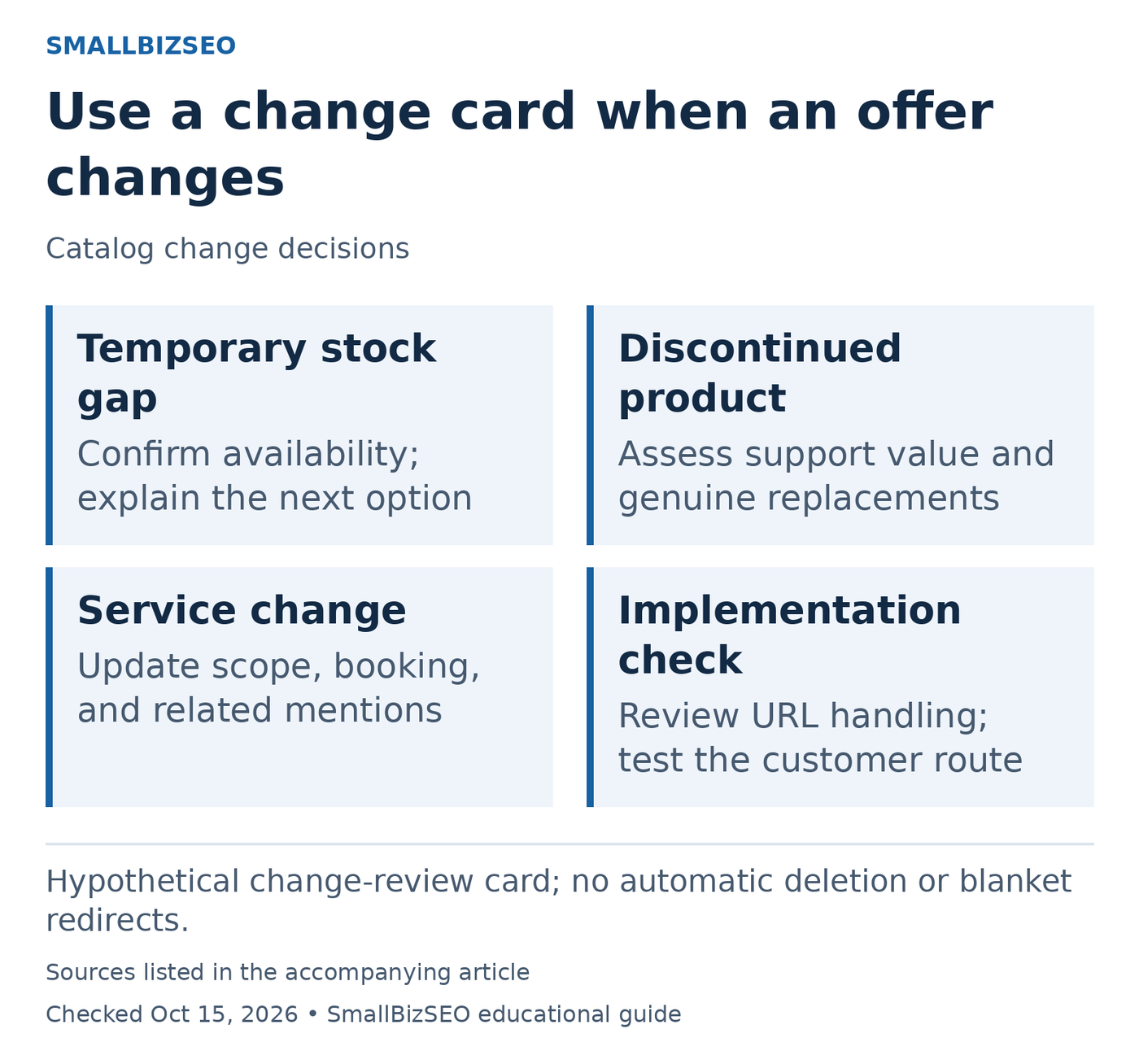
Hypothetical change-review card; no automatic deletion or blanket redirects.
Sources: Google ecommerce URL guidance; Google redirect guidance. Checked October 15, 2026. This visual is an editorial guide, not measured client results.
Temporarily unavailable product: In this hypothetical case, a popular replacement part is awaiting stock. Verify the expected availability before making any date promise. Explain the current situation honestly and decide whether a supported notification or inquiry option helps customers. A stock interruption is not, by itself, a reason to rename the URL.
Permanently discontinued product: Check whether the old page still provides useful compatibility or support information. If a replacement exists, explain meaningful differences rather than silently implying the products are identical. Ask the implementer to review whether retaining the page, redirecting to a genuine replacement, or another response best fits the facts.
Changed service availability: A workshop might stop offering onsite visits while continuing in-store repairs. Review the service page, booking route, navigation, and related mentions together so customers do not follow an outdated promise.
Finish with a consistency test across visible information, internal links, and any relevant product data. Google recommends persistent ecommerce URLs and consistent URL references. Avoid blanket deletion or redirect rules: document the decision for each materially different situation and test the resulting route.
Reference: Google ecommerce URL guidance · Google redirect guidance
Your next step
Map your five most valuable customer searches to a collection, product, service, or supporting guide. Fix mismatched or missing pages before expanding the blog or creating dozens of thin category variations.