

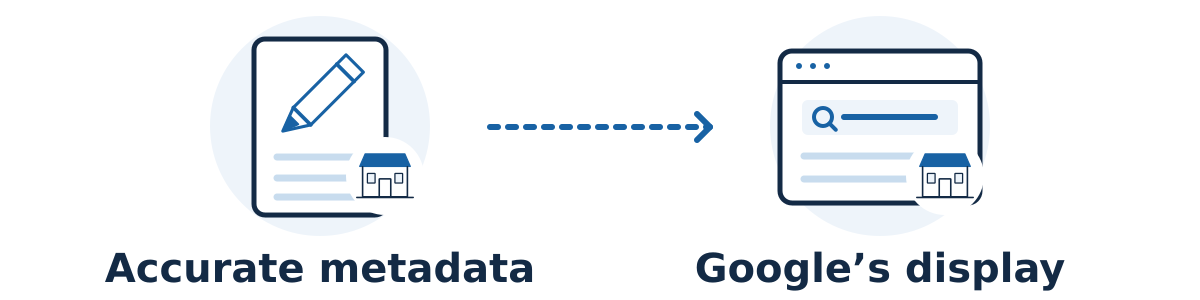
Write a title that identifies the page and a meta description that gives the right customer a useful reason to visit it. Make both accurate and specific to the content. Google can use different wording in its results, so treat these fields as useful inputs rather than a promise of exactly what every searcher will see.
The page title is supplied through the HTML title element, often edited in your website's SEO settings. The main visible heading is a separate element. A meta description is a short summary supplied in the page's metadata. Check which field your website editor is changing before saving.
Use a simple writing process
Write down the page's job. Is it selling a service, showing a product range, or answering a question? Decide what a suitable visitor should understand before clicking. If you cannot describe that job in one sentence, clarify the page before polishing its metadata.
Name the specific subject. Use a clear service, product, or question in the title, with a relevant differentiator and concise business name when useful. Avoid stuffing several near-identical phrases into it. Google's title guidance favors concise, descriptive, distinct wording.
Summarize useful page content. In the description, mention a detail that helps the customer judge fit, then the appropriate next step. Google's snippet guidance recommends page-specific summaries. Check every price, offer, location, and availability claim against the live page.
Review the promise as a customer. Read the proposed title and description without looking at the page. What would you expect to find? Now open the page and see whether that expectation is met quickly. Remove unsupported superlatives or claims that only apply to a different service.
Save and verify. Check the published metadata, visible heading, and mobile page. Keep a dated record of the old and new wording so a later review has a meaningful comparison.
A hypothetical example
Imagine a repair shop with a page explaining its bicycle brake-repair service. A vague title such as “Services | Oak Street Cycles” gives little detail about that page.
Possible title: Bicycle Brake Repairs | Oak Street Cycles
Possible description: Explore bicycle brake repairs, common warning signs, and what happens during an inspection. Contact Oak Street Cycles to arrange a visit.
These examples only work if the page actually contains that information and arranging a visit is the real next step. If the shop serves only certain brake systems, that limitation may be more useful to mention than a general promotional phrase.
Why does Google show different wording?
Google generates title links using several signals, including the supplied title, visible headings, and link text. An unclear, outdated, or inaccurate title may be replaced with wording drawn from those sources. Keep the page's main subject consistent across them.
Search snippets are usually drawn from page content and can change with the query. Google sometimes uses the meta description when it provides a better summary. A different snippet alone does not show that you entered the field incorrectly.
There is no universal character limit that guarantees full display. Titles and snippets can be shortened to fit the presentation and device. Use a preview to spot unwieldy wording, but prioritize meaning over reaching an exact character count.
A worked example: correct the promise before polishing it
Imagine a curtain-cleaning business that provides scheduled collection and offsite cleaning, but does not offer same-day service. Its page explains fabric assessment, collection arrangements, and requesting an estimate. The following wording is hypothetical, not a claim about an actual business.
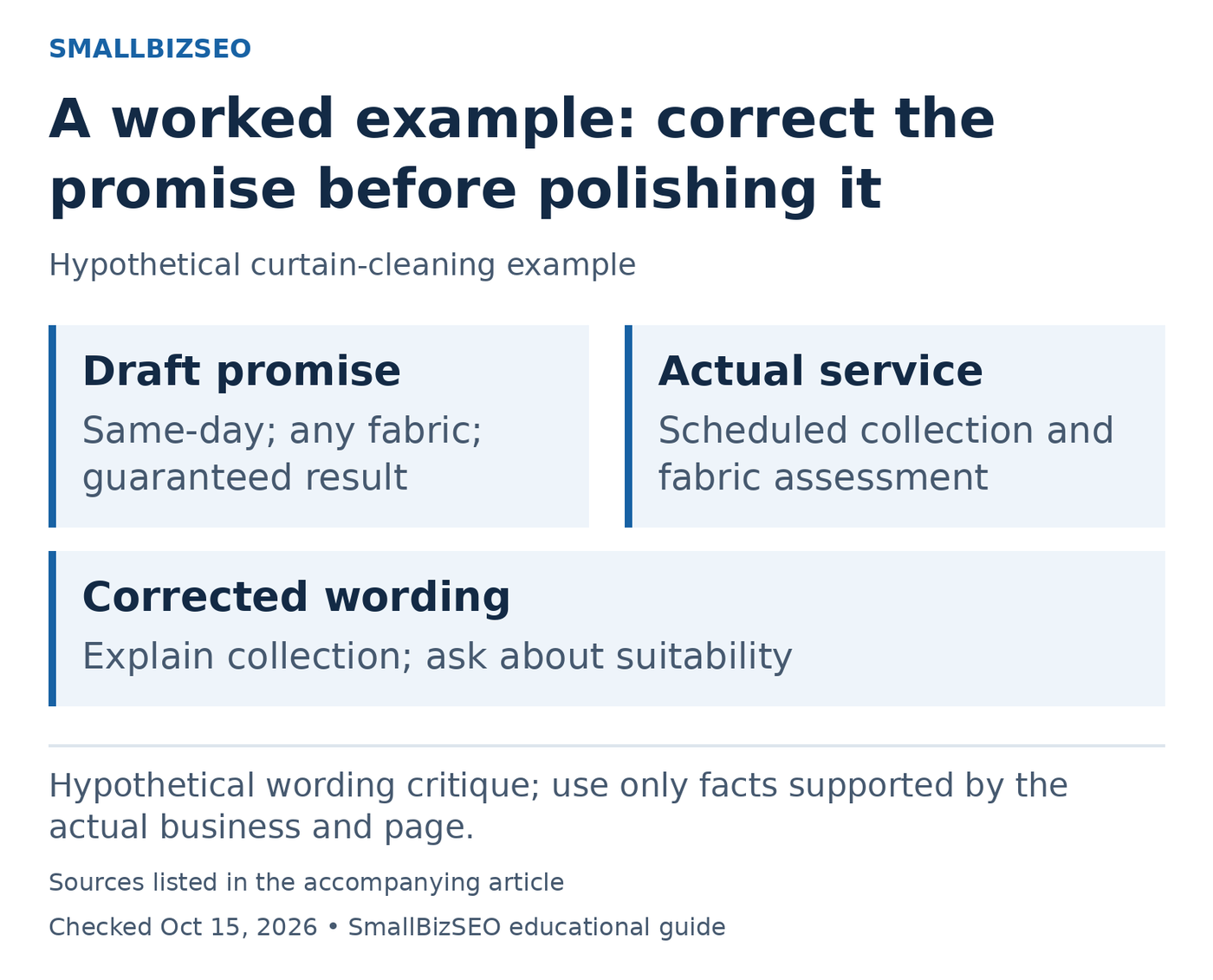
Hypothetical wording critique; use only facts supported by the actual business and page.
Sources: Google title-link guidance; Google snippet guidance. Checked October 15, 2026. This visual is an editorial guide, not measured client results.
Misleading draft title: “Same-Day Curtain Cleaning | Every Fabric, Every Time.” Misleading description: “Guaranteed stain removal today. Book instant cleaning for any curtain.” These fields create three unsupported expectations: immediate service, universal fabric suitability, and certain stain removal. Shortening the wording would not fix the problem.
More accurate title: “Curtain Cleaning with Scheduled Collection | Sample Cleaners.” More accurate description: “Learn how fabric assessment and scheduled collection work. Ask Sample Cleaners for an estimate and confirm whether your curtains are suitable.” These alternatives fit only if the page and business genuinely provide those details.
The tradeoff is intentional: the revision may be less attractive to someone demanding same-day work, but that person is a poor fit for this hypothetical offer. “Scheduled collection” provides a useful distinction without inventing a speed promise. “Confirm suitability” reflects uncertainty rather than concealing it.
Check the visible heading and booking route for the same misleading promises. Google can generate title links and snippets from other page content, so correcting only metadata may leave the underlying inconsistency. Judge the revision by truthful expectations and suitable inquiries, not by whether every search displays the supplied wording.
Reference: Google title-link guidance · Google snippet guidance
How should I judge the change?
Allow for Google to recrawl and process the page. Use Search Console's performance report to review page and query trends. Compare similar periods and check whether changes in position, demand, or query mix could explain the results.
Higher click-through rate is useful only alongside suitable visits and inquiries. Avoid rewriting the entire site after one unusual day or assuming every displayed variation needs fixing.
Start with one important page whose current title is vague or misleading. Improve the wording, verify the live implementation, and record what you will evaluate before changing more pages.